You finish tasks every day and your goals still haven't moved.
Goal Tracker for Finishing Projects is a Notion system where every project and task is linked to a goal. Click Focus Mode and you only see the work for your priority goal, with its progress next to it.
Get the Goal Tracker · $19 · Coming soon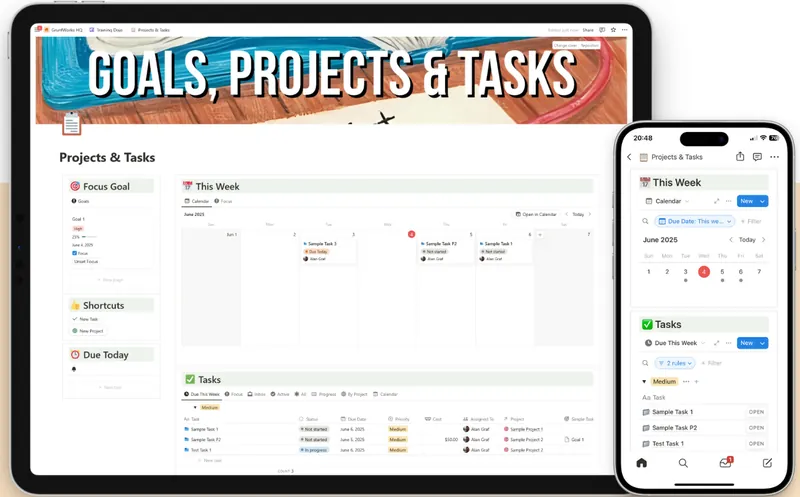
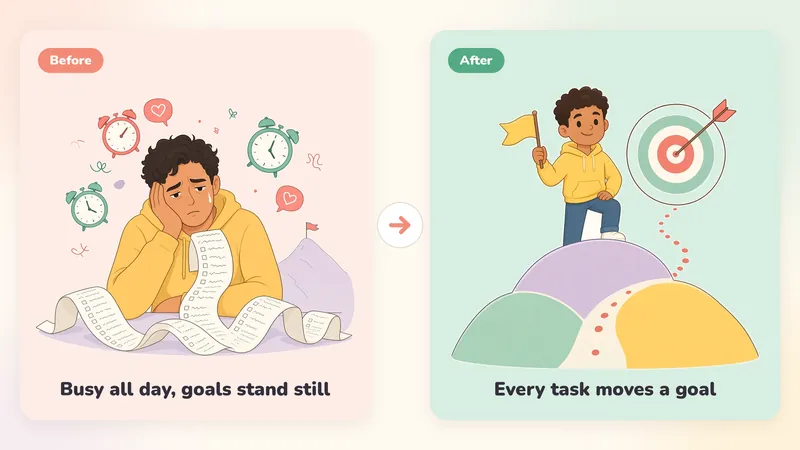
Your goals and your task list never meet.
You open your task list and everything looks urgent. Emails, client requests, small fixes, "someday" ideas. You pick whatever is loudest and the day is gone.
The goals you wrote down at the start of the quarter are in a note you haven't opened in weeks.
The month ends. You were busy every day, and nothing important changed.
- A task list that only grows
- Everything looks equally urgent, so the important things wait
- Goals forgotten a few weeks after you set them
- Updating progress by hand, until you stop
- Notion setups so complicated you spend more time building than doing

Link every task to a goal, then switch off the rest.
Goal Tracker for Finishing Projects is a Notion template with one simple rule. Every task belongs to a project and every project belongs to a goal, so you can see why each task is on your list.
Focus Mode.
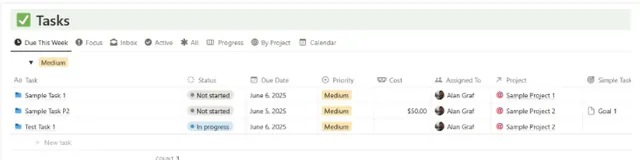
Pick your priority goal and one click hides everything that isn't for it. You start the day with a short list.
Every task has a reason.
Projects and tasks link to goals, so a task with no goal behind it is easy to spot and drop.
See how close you are.
Each goal has a progress view and a deadline. Progress fills in by itself as you complete tasks.
Goal work goes on the calendar first.
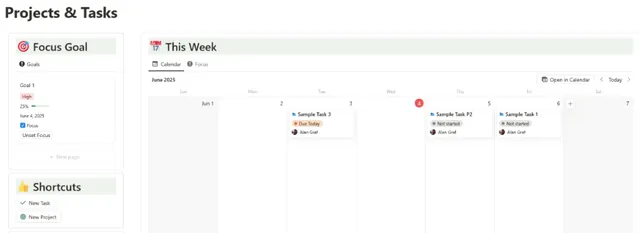
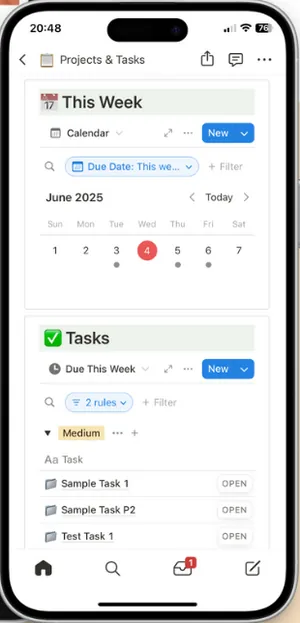
Block time for your goal on the weekly focus calendar before the small stuff fills the week.
A head start.
30 pre-built goal templates to copy and adjust, so you don't start from a blank page.
How to set up your Notion goal tracker
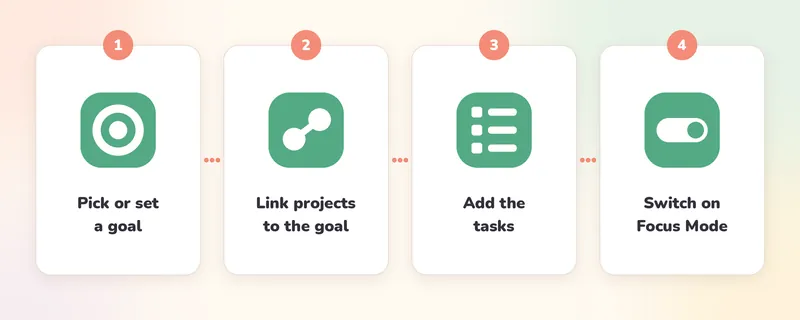
- Duplicate the template into your Notion.
- Clear the sample goals, projects and tasks, or start from one of the 30 goal templates.
- Add your goals and link your projects and tasks to them.
- Switch on Focus Mode and work from the short list.
Inside Goal Tracker for Finishing Projects
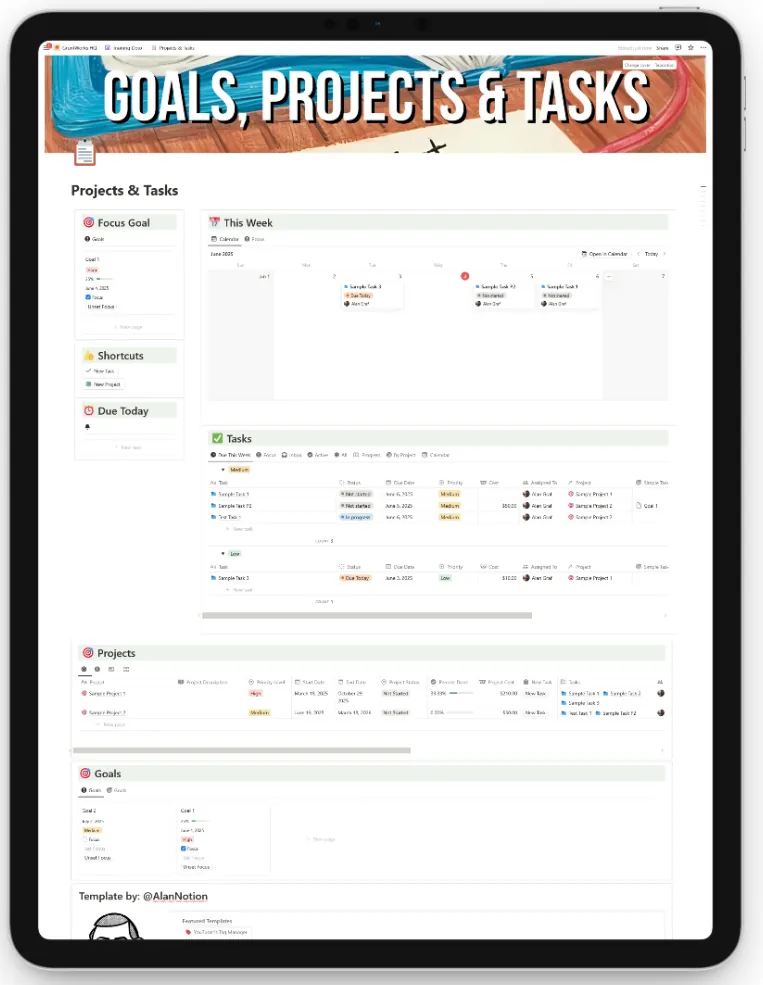
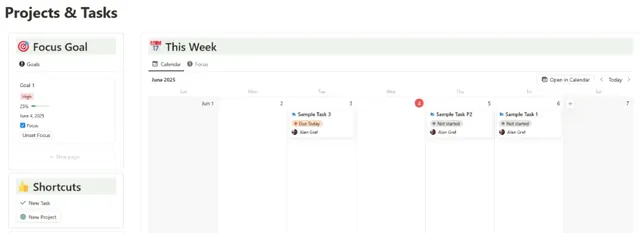
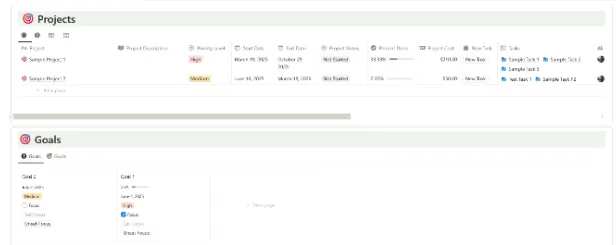
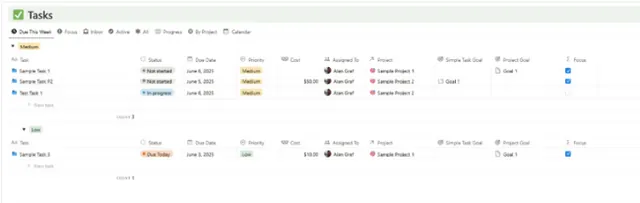
For people with long to-do lists and goals that keep slipping.
- People with a full-time job and personal goals that never get the time
- Freelancers juggling client work and their own goals
- Creators who set goals every quarter
- Notion users whose task list lost the link to anything bigger
Not for you if: you need a project tool for a team, or a simple checklist (a free to-do app does that well).
I built this to finish my own projects
I love starting projects, but I'm pretty bad at finishing them. I get a project 60 to 80% done, then a new shiny idea shows up and I move on.
YouTube Operator was one of them. I spent about a year and a half turning my own Notion dashboard into a product with a website and a sales funnel. I got stuck on the funnel and the whole thing sat for months.
When I picked it up again in September, I had no overview of what was done and what was left. So I dumped every task in here and linked the important ones to the launch goal. With Focus Mode on, I only saw the work that moved the launch forward. In October I launched YouTube Operator.
My AI bots used the same board for their launch tasks.
Goal Tracker for Finishing Projects is that dashboard, ready for your own goals.

A plain to-do list vs Goal Tracker for Finishing Projects
| Typical to-do list or task app | Goal Tracker for Finishing Projects |
|---|---|
| Shows everything at once | Focus Mode shows only the work for your priority goal |
| Every task looks equally important | Every task is linked to a project and a goal |
| Goals live in a separate note | Goals, projects and tasks in one connected system |
| No way to tell if you're getting closer | Progress and a deadline on every goal |
| Small stuff fills up the week | The weekly focus calendar puts goal work in first |
| You start from a blank page | 30 pre-built goal templates |
Pay once and keep it.
No subscription. One payment of $19 and the system is yours.
The Focus Mode Goal System
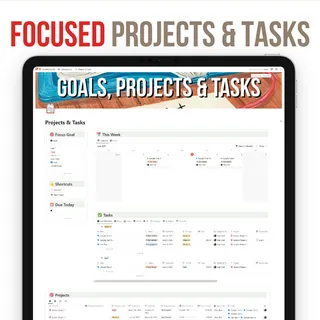
Goal Tracker for Finishing Projects + 30 Pre-Built Goal Templates
- Goals database with progress and deadlines
- Projects linked to goals
- Task hierarchy
- One-click Focus Mode
- Goal progress calculator
- Weekly focus calendar
- Lifetime access and updates
- Bonus: 30 Pre-Built Goal Templates (included)
14-day money-back guarantee
Set up your goals and use Focus Mode for a couple of weeks. You can ask for a full refund within 14 days of buying. Email [email protected], fill in a short feedback form about what didn't work for you, and you get your money back.
Goal Tracker for Finishing Projects FAQ
Who is this for?
Goal Tracker for Finishing Projects is for people who set goals and want their daily tasks tied to them, such as people with a full-time job and personal goals, freelancers, and creators who set goals every quarter. It is not a project tool for a team.
Do I need to know Notion?
Only the basics. Duplicate it and add your goals. The sample data shows how the parts fit together.
Is it complicated?
No. It's three linked databases (goals, projects and tasks) and a Focus Mode button.
Can I change it?
Yes, it's your copy in your Notion.
What happens after I buy?
You get a link to duplicate the template into your Notion.
Questions?
Email [email protected].
Get your goals moving again.
Link your tasks to your goals and start each day in Focus Mode. One-time payment of $19.
Get the Goal Tracker · $19 · Coming soon